


BeforeAfter
Enhance Video Quality with AI
Improve the perceived clarity of soft or low-resolution MP4 and MOV footage.


Compare definition around facial contours, skin texture, and individual strands of hair.
Choose a 720p, 1080p, or 1440p target resolution to enhance existing footage before editing or publishing.
Improve the perceived clarity of soft or low-resolution MP4 and MOV footage.
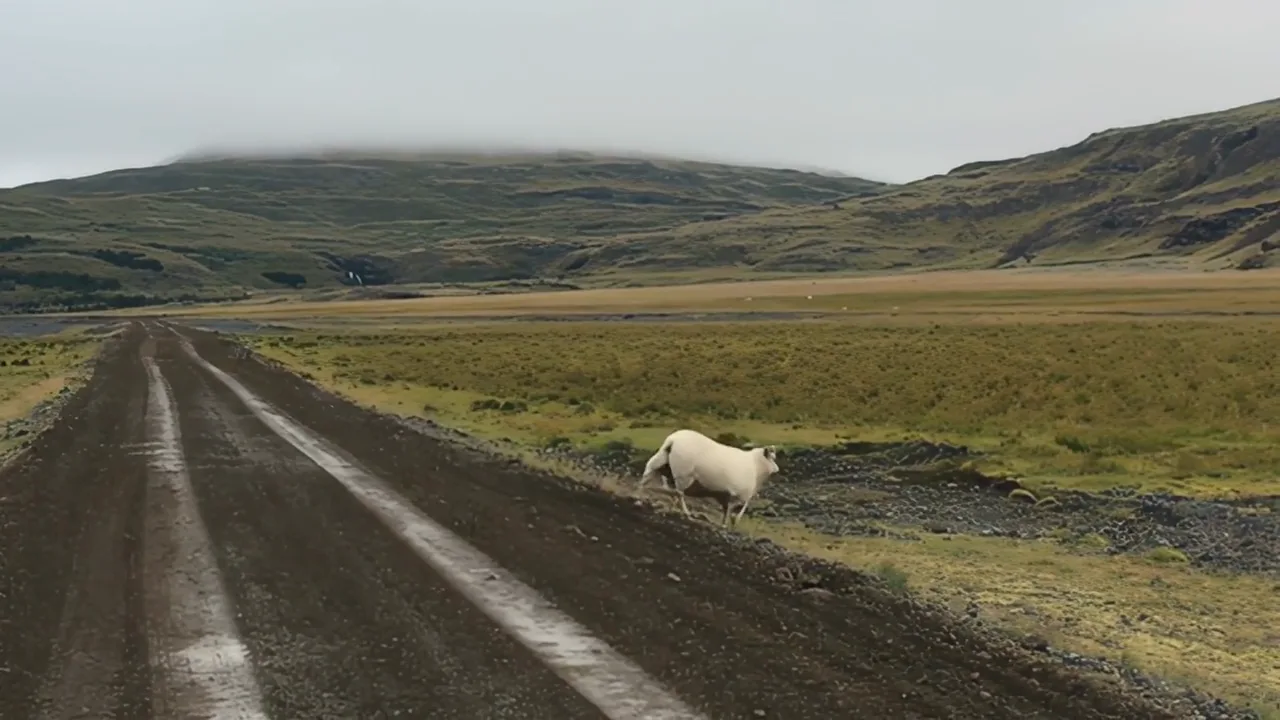
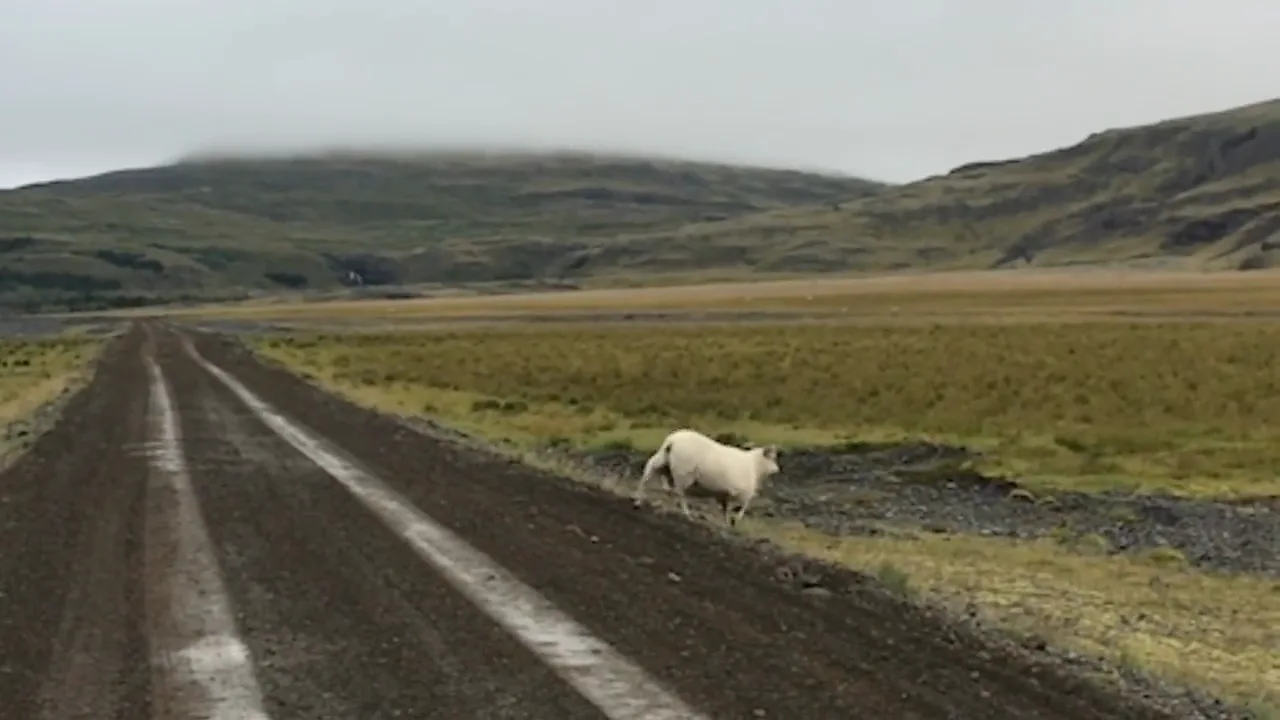
Choose a target resolution for your existing video. Actual output dimensions may vary with the source and processing.
Improve the viewing clarity of archived recordings, family videos, and older source material before the next edit or export.
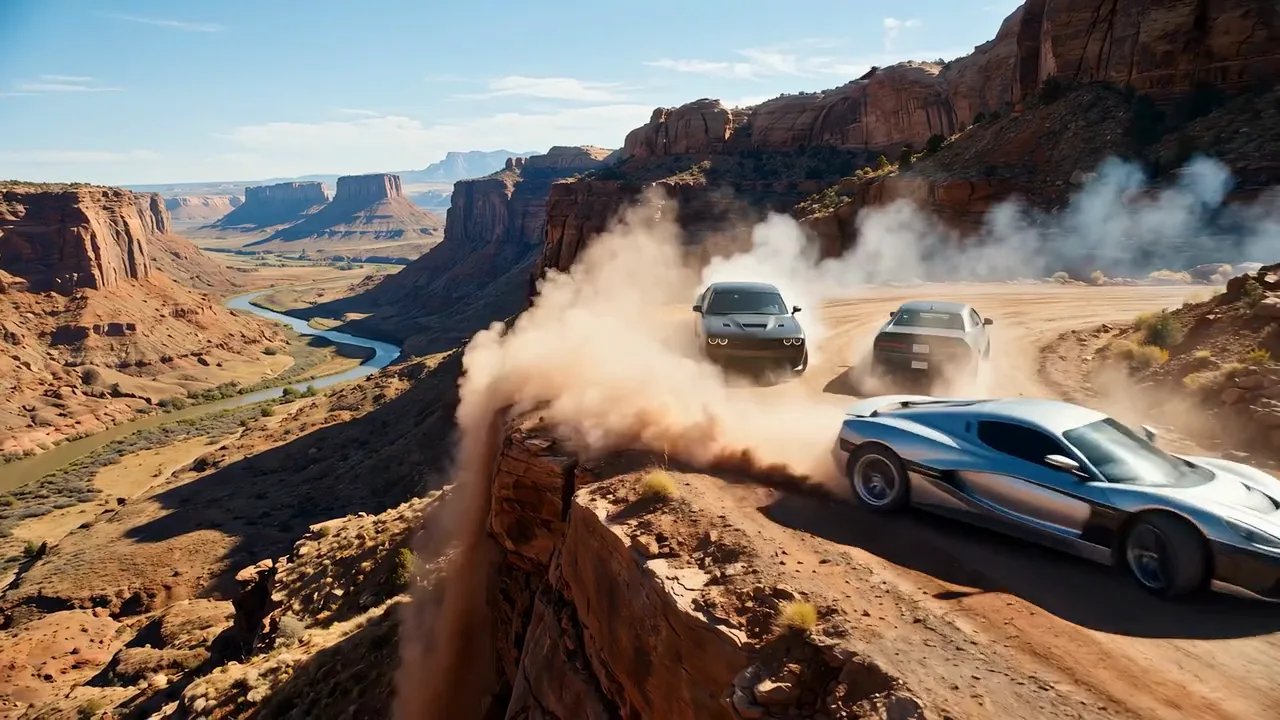
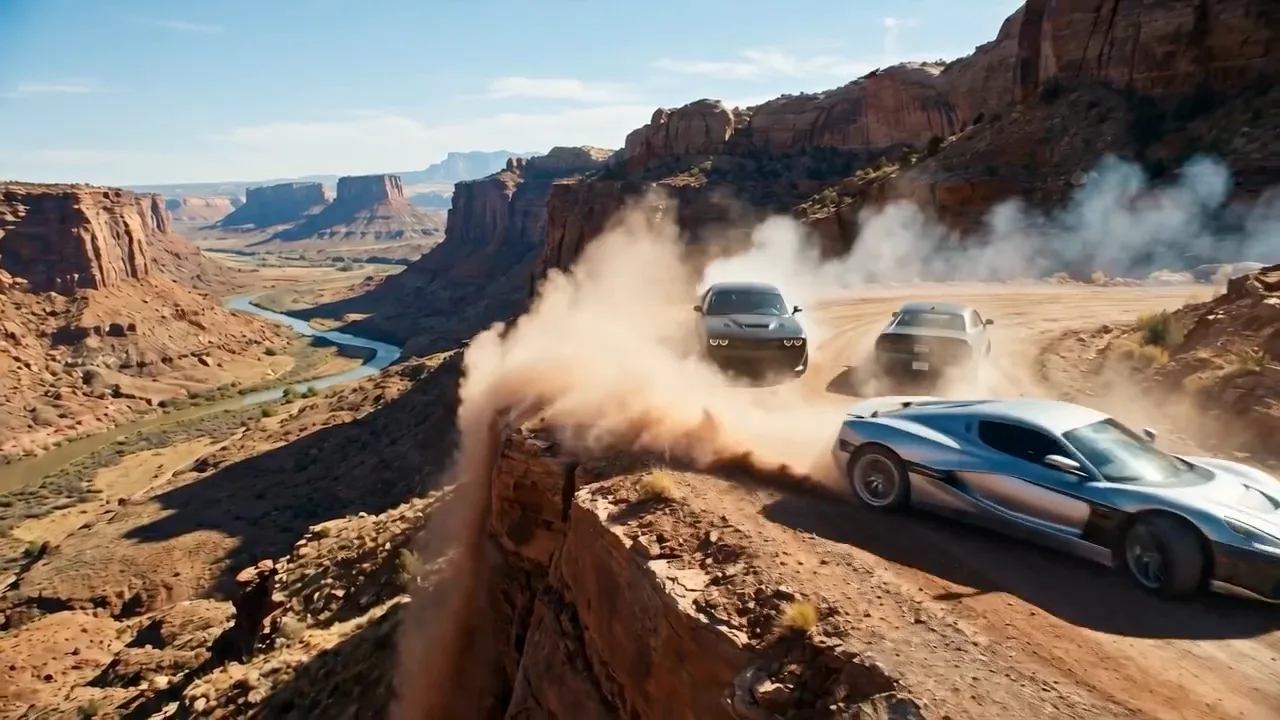
Enhance and upscale existing or AI-generated footage before reframing, publishing, or adapting it for video platforms.
Switch between top video models in one generator.
 -60%
Multimodal video up to 30 seconds, with optional sound.
 -60%
Faster multimodal video, up to 30 seconds.

720p video from text, one image, or 1–6 reference images.

2K video with native stereo audio and multimodal references.

Up to 30 seconds with multimodal references and native audio.

Smooth motion and natural choreography.
Free images include a watermark. Upgrade for clean outputs, faster generation, and commercial use.
 Seedream 3.5UnlimitedSeedream 3.5 ProUnlimited Not Included
 MiniMax H3 TurboUnlimited Not IncludedMiniMax H3Unlimited Not IncludedMiniMax-70%
 Gemini
 Nano
 GPT-50%Seedream-40%Veo
 Seedance
 Kling
 Grok
 WanSeedream 3.5UnlimitedSeedream 3.5 ProUnlimitedMiniMax H3 TurboUnlimited Not IncludedMiniMax H3Unlimited Not IncludedMiniMax-70%GeminiNanoGPT-50%Seedream-40%VeoSeedanceKlingGrokWanSeedream 3.5UnlimitedSeedream 3.5 ProUnlimitedMiniMax H3 TurboUnlimitedMiniMax H3UnlimitedMiniMax-70%GeminiNanoGPT-50%Seedream-40%VeoSeedanceKlingGrokWan
Learn about target resolutions, credit pricing, and input limits.
These are target resolutions. Actual output dimensions can vary with the source and processing; they are not fixed width and height guarantees.
720p costs 2 credits per second; 1080p costs 3 credits per second; 1440p costs 5 credits per second. Check the Generate button for the credits required before submitting.
MP4 and MOV videos up to 30 seconds and 30MB per video are supported. Members can submit up to 10 videos in one batch.
The input video's original audio track can be preserved, so you do not need to resync picture and sound after upscaling.
MP4 and MOV are containers that can hold different video and audio codecs. Uncommon codecs, damaged files, or unreadable metadata may prevent a file from being accepted.
Processing time depends on video duration, source resolution, target resolution, and the current task queue.
After the task is created, the page opens the video history in /app. When processing finishes, preview the result in its history record and use the download button to save the video.
Video Upscaler enhances and upscales a video you already have. AI video generation models create new footage from text, images, or other references.